
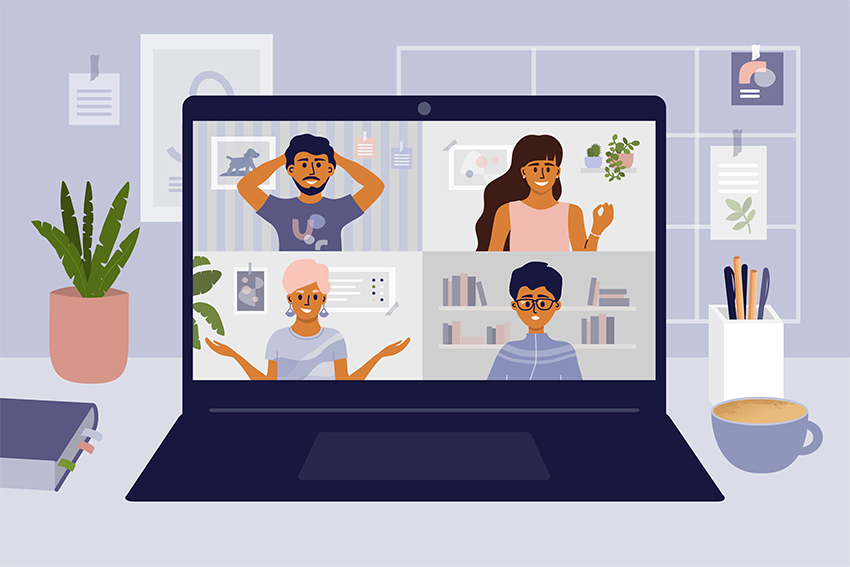
Many of us have been working from home for a while now due to COVID-19 restrictions. Although working from home has its benefits, it also presents challenges in getting your job done. In an attempt to solve this problem, there has been an increase in the number of work from home apps to choose from, making people wonder which ones are the best.
GOOGLE DRIVE
Google drive is a well-known tool used in numerous workplaces. This app allows you to successfully store and share files and easily collaborate on shared projects from any device, anywhere. It also provides access to multiple file types, such as documents, slideshows, spreadsheets, surveys, and a few more unique ones. Google drive will keep any file size safe, organized, and shareable.
DROPBOX
Dropbox is an app similar to Google Drive, that allows you to store your files so you can work on them whenever and wherever you would like. We frequently use this app for its main feature, which is to store and share large files that are not shareable through any other app due to file size restrictions. In addition, this is a great resource for employees who are working remotely and don’t have access to their company server.
KRISP
Krisp is an app with the essential purpose to cancel all background noise, whether it be your children, pets, spouse, or traffic outside your home. It mutes any background noise on incoming or outgoing calls on over 600 apps, so you or the caller can be heard loud and clear. It can also be used with any type of microphone, headphones, or speaker.
STAYFOCUSD
StayFocusd is an app that restricts your time spent on time wasting websites when you are supposed to be working. Simply add the website urls you would like to avoid and then set the specific amount of time you will allow yourself to spend on them per day. Once the time is up, you cannot return to that site for the rest of the day. It is a great tool to literally help you ‘stay focused’ while working from home.
GOOGLE MEET
Google Meet is an app that allows your team to stay connected through multi-person video conferences from any device. You can create a link and share it through an email or calendar event so everyone can easily join. This app has features other similar apps do not, such as captions, noise cancelling, and different lighting modes. We continue to use this app for most all of our weekly meetings; by scheduling through our shared calendar.
SKYPE
Skype is another app that allows you to have one-on-one or multi-person calls from any device. An added benefit of this app is that it also has an instant messaging system that we frequently use to communicate with one another quickly.
ASANA
Asana is a task managing app available on multiple devices that allows you and your team to manage assignments or projects while tracking progress. This app provides you with a calendar and to do list and allows you to assign tasks to certain people and create specific deadlines.
In these uncertain times, it is important to be certain about what apps will make your working from home experience the most enjoyable, productive, and easiest it can be.
Contact us today to see how we can help!


